You’re the IT Director. In 90 days, your new ERP system goes live. The training dates are set. The user manuals are printed. Even the CEO has signed off.
On day one of launch, 50% of the workforce is unable to locate the submit button. Help-desk tickets pile up. Productivity tanks. A bad adoption plan won’t only stall your ROI: It will turn a big software investment into a credibility disaster.
Why Software Adoption Determines Implementation Success
Digital adoption platforms exist to address a common issue: despite investing in top-notch tools, organizations often fail to see widespread adoption and user satisfaction. It’s not that the tools don’t work; it’s that organizations can lack visibility into their rollout, and users lack real-time guidance on the platform at moments of use.
Most platforms assume that users will remember the in-person classroom experience they had with their company’s trainer or will be able to read and comprehend the help docs during a busy period. They’ll almost never do this.
A successful digital adoption strategy requires in-app walkthroughs, automated workflows, and analytics that identify feature adoption to help bridge the gap between the classroom experience and in-use guidance. Success and failure are often dictated by whether the user gets the guidance they need at the time they need it.
Common Adoption Challenges During Enterprise System Rollouts
The constant switch between applications slows people down, makes them forget what steps to follow, and sends them back to their old processes. Learning guides become outdated as soon as a vendor changes a user interface. Help desk tickets soar for the first three months after a launch, eating up an IT department’s time and resources.
Each solution listed below handles this problem differently. Some focus on getting people to adopt quickly, others emphasize cross-application intelligence, and a few excel at proving ROI through behavioral analytics. To find the right solution, you need to understand which challenge matters most to your organization.
Top 5 Digital Adoption Platforms
One big reason enterprise software adoption doesn’t go smoothly is that users get lost and don’t know where to click. Old-school training manuals come too late, videos pull them out of their day, and the help desk gets flooded during go-live.
That’s where digital adoption platforms make a real difference. They overlay guidance right inside the apps employees use — tooltips at the right moments, automatic walkthroughs for new logins, and analytics that pinpoint exactly where people abandon tasks.
The ones we reviewed offer a strong balance of in-app delivery, enterprise-grade insights, and fast deployment suited for IT-led projects.
Tango
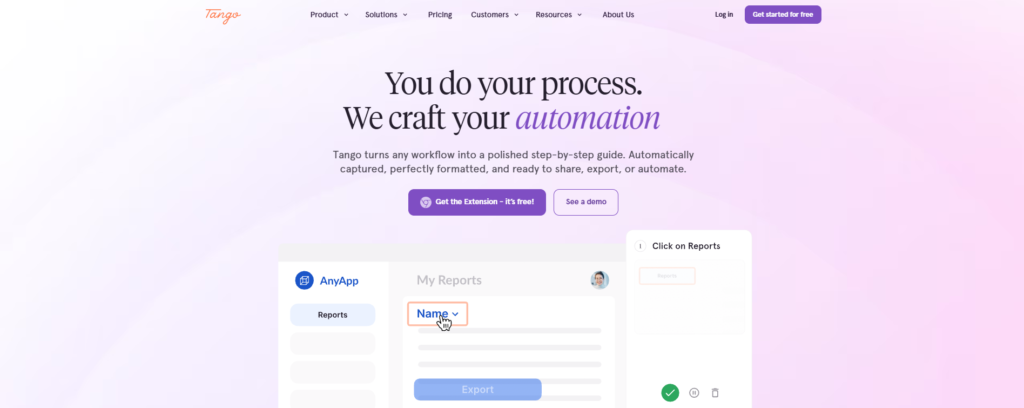
Tango is a digital adoption platform designed for Salesforce, Oracle, NetSuite, and other enterprise software rollouts. The platform helps organizations document workflows, guide employees through business processes, and improve software adoption without requiring API setup, integrations, or lengthy implementations.
Users complete a workflow once, and Tango automatically transforms it into a step-by-step guide with screenshots, highlights, and descriptions. These guides can be shared, embedded into knowledge bases, pinned directly inside applications, or used to support onboarding and training initiatives.
The platform also includes workflow automation, in-app guidance, and adoption analytics that help teams identify where employees are getting stuck and improve process consistency.
Tango works across CRM, ERP, HRIS, and thousands of web-based applications through a browser extension, making it particularly useful for IT and operations teams managing software rollouts across multiple systems.
For organizations looking to reduce documentation effort, preserve operational knowledge, and accelerate user adoption, Tango offers one of the fastest deployment models in the digital adoption category.
Pros:
- Fast setup with no integrations required — works immediately across any browser application
- Supports branching workflows for complex processes — handles decision trees and conditional paths
- Works across Salesforce, Oracle, NetSuite, HRIS, and more — vendor-agnostic capture engine
Cons:
- Desktop capture is less polished than browser capture
- Limited standalone captioned video exports
- Enterprise features require a minimum seat commitment
Pendo
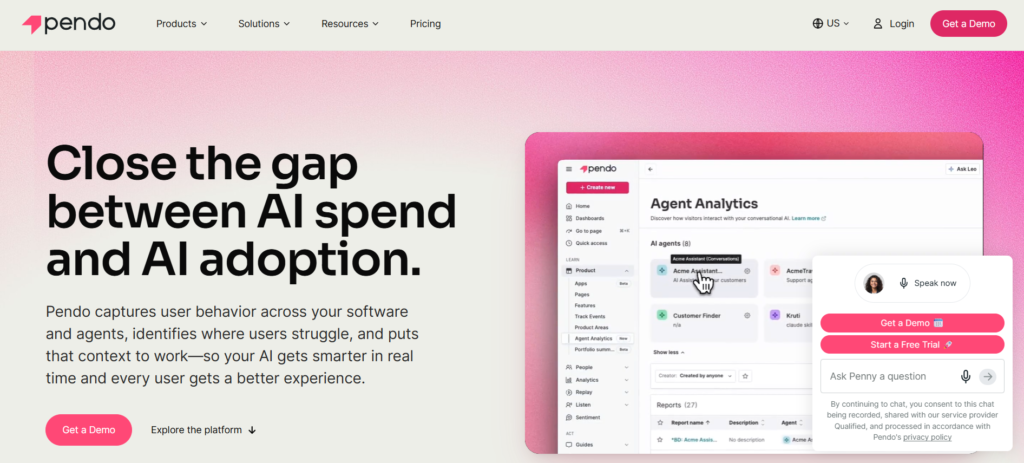
Founded in 2013, Pendo positions itself as a product experience platform that connects behavioral data to every product and agent you build or buy, then measures whether they’re driving the outcomes you care about.
For IT leaders rolling out enterprise software, that translates to immediate visibility into which features employees actually use and which sit ignored—no data science team required.
Pendo connects product usage data directly to business outcomes, allowing teams to understand which features drive adoption and revenue without requiring data science expertise. The platform combines in-app guides, session replay, and NPS surveys in one system, so you can diagnose adoption friction, deploy contextual guidance, and measure sentiment without juggling three separate tools.
What sets Pendo apart is behavioral data integration that shows which features drive adoption and revenue. Session replay reveals exactly where users get stuck. Journey orchestration lets you trigger guidance based on real usage patterns, not guesswork. Integrations with Jira, Salesforce, Slack, and data warehouses mean adoption insights flow directly into the tools your teams already live in.
Pros:
- Powerful product and adoption analytics
- Strong user behavior and engagement insights
- Effective in-app onboarding and guidance capabilities
Cons:
- Less focused on knowledge management and SOP creation
- Advanced reporting can require dedicated platform ownership
Stonly
Stonly has built a name for itself as a knowledge platform focused on faster, more effective customer service. It helps support teams through interactive guides, AI chatbots, and agent assistance tools that turn complex knowledge into simple step-by-step resources.
Unlike platforms designed for broad enterprise software rollouts, Stonly zeroes in on customer success and support operations. It empowers end users with self-service options that deflect tickets and reduce overall support costs while improving customer outcomes.
The platform’s real strength is its dual approach. Customers get clear interactive guides for self-help, while agents receive AI-powered suggestions during live conversations. Analytics show which guides actually work and where gaps remain, creating a useful feedback loop.
For IT leaders handling internal adoption, Stonly shines with external customer enablement but falls short on workflow automation, cross-app guidance, and deep analytics compared to full digital adoption platforms. It’s a solid choice if your main goal is customer onboarding or cutting support tickets rather than internal tool rollouts.
Pros:
- Interactive decision trees and guided troubleshooting
- Strong self-service and support use cases
- Easy-to-create knowledge experiences
Cons:
- More customer support-focused than software adoption-focused
- Limited analytics compared to dedicated digital adoption platforms
Spekit
Spekit launched in 2018 as the Rep Acceleration Platform. It’s built for revenue enablement teams that want coaching and content delivered right inside their CRM, email, and other sales tools.
While many digital adoption platforms focus on broad IT rollouts, Spekit stays focused on sales and revenue operations. Its Knowledge Engine and Agentic Coaching bring the right playbook, battlecard, or deal context to reps exactly when they need it — whether they’re opening an opportunity or drafting an email. Everything stays in the flow of work, so there’s no need to switch tools or hunt for answers.
The platform keeps content organized centrally and uses AI to create tailored learning paths. This helps everyone stay aligned with consistent messaging and fresh competitive insights. For IT leaders working on non-sales functions like procurement or HR, there are fewer ready-made workflows. It really excels when the goal is hitting quotas and speeding up deals rather than general app onboarding.
Pros:
- Delivers guidance directly within employee workflows
- Strong knowledge management and onboarding support
- AI-powered content recommendations and coaching
Cons:
- Primarily designed for revenue and sales teams
- Less suitable for large-scale operational transformations
Whatfix
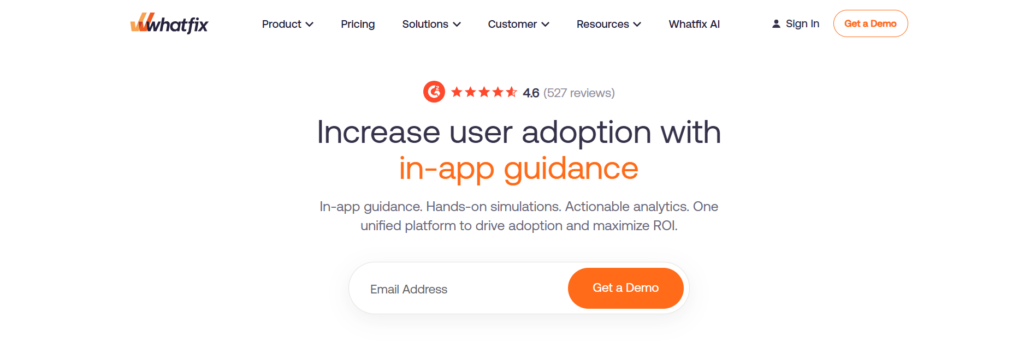
Whatfix was founded in 2013 around a simple idea called Userization — making technology adapt to people instead of the other way around. This thinking shapes its three main layers: real-time in-app guidance that walks users through tasks, simulation environments for safe practice, and usage dashboards that reveal exactly where adoption slows down.
The platform is built for enterprise IT and operations teams handling ERP, CRM, and custom app rollouts across large, distributed groups. It earned G2’s #1 ranking for digital adoption platforms in Spring 2026 and Gartner Peer Insights Customers’ Choice for three years straight.
Whatfix really proves its value when timelines are tight and training resources are limited. Simulations let new hires practice complex processes before touching live systems, which shortens onboarding and cuts down on mistakes. Its usage intelligence highlights skipped features, problem screens, and lagging teams — all without needing a data science background.
Companies like Microsoft, UPS, Cisco, and Flipkart use it to get better returns on their software investments. The $125 million Series E round in 2024 shows the momentum keeps building.
Pros:
- Excellent employee onboarding and software adoption features
- Strong support for ERP, CRM, and enterprise applications
- Combines guidance, self-service support, and analytics
Cons:
- Requires ongoing content maintenance
- Advanced features may take time to configure effectively
Conclusion
We ranked seven digital adoption platforms against four criteria: real-time in-app guidance, enterprise analytics, setup friction, and proven IT deployment track record. Rankings draw from supplied profile data—positioning statements, documented features, founding years, and pricing signals—plus publicly available competitor intelligence and user adoption pattern analysis across enterprise software rollouts.